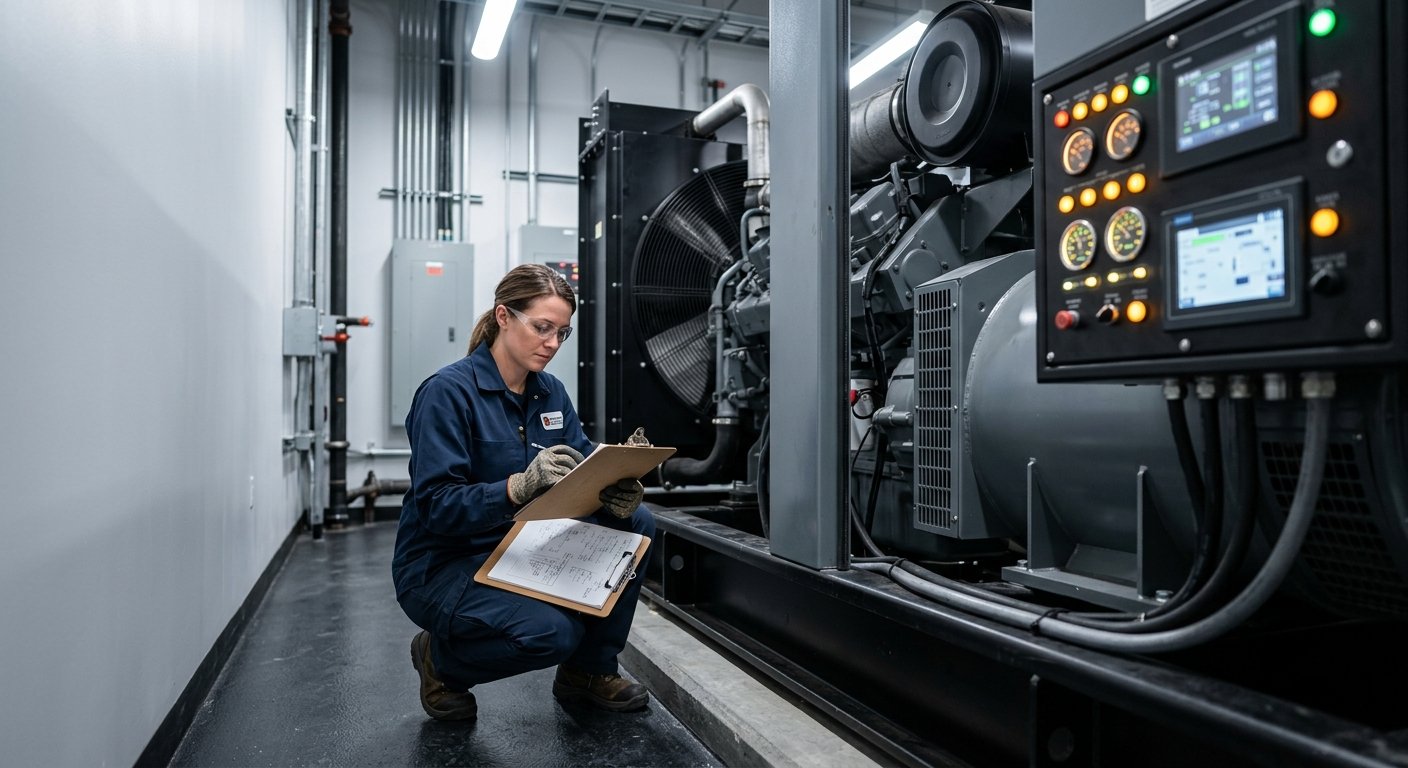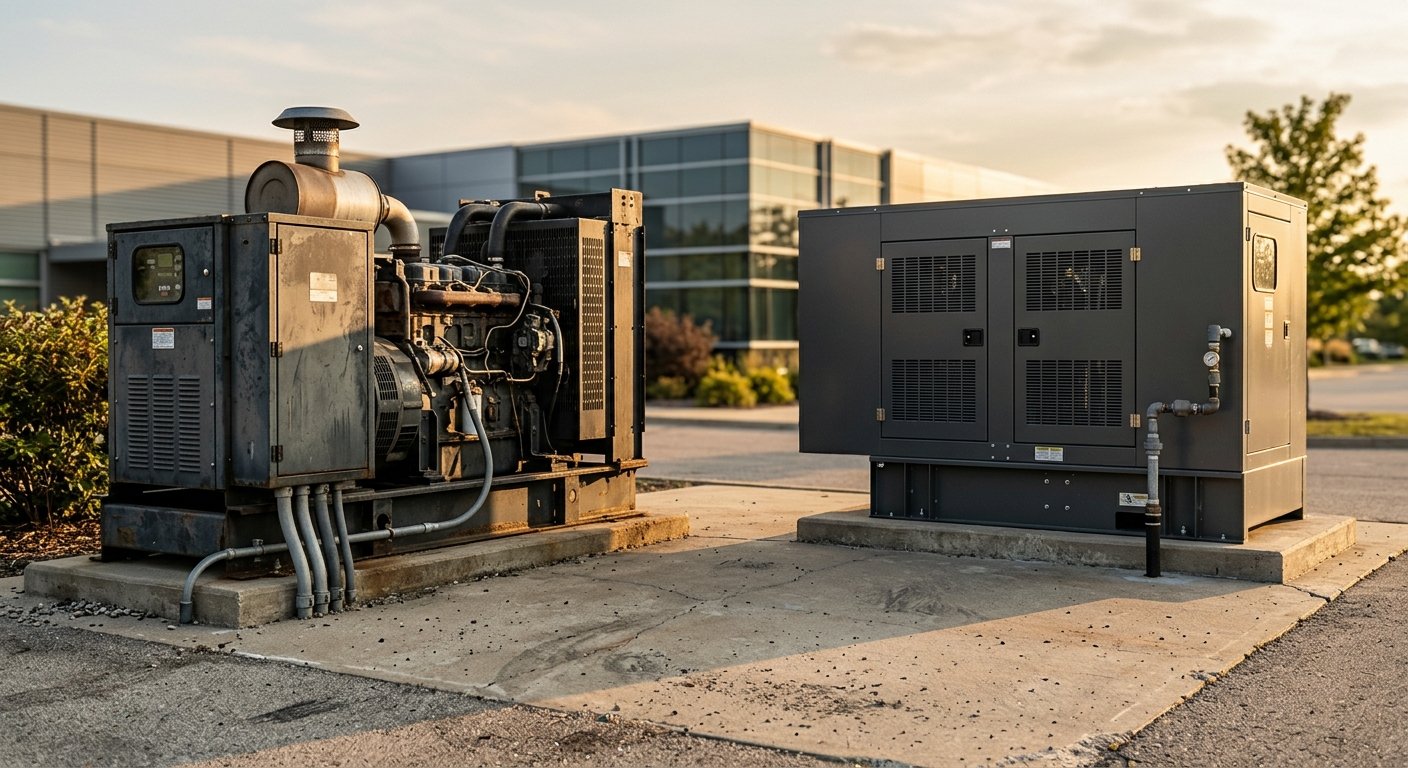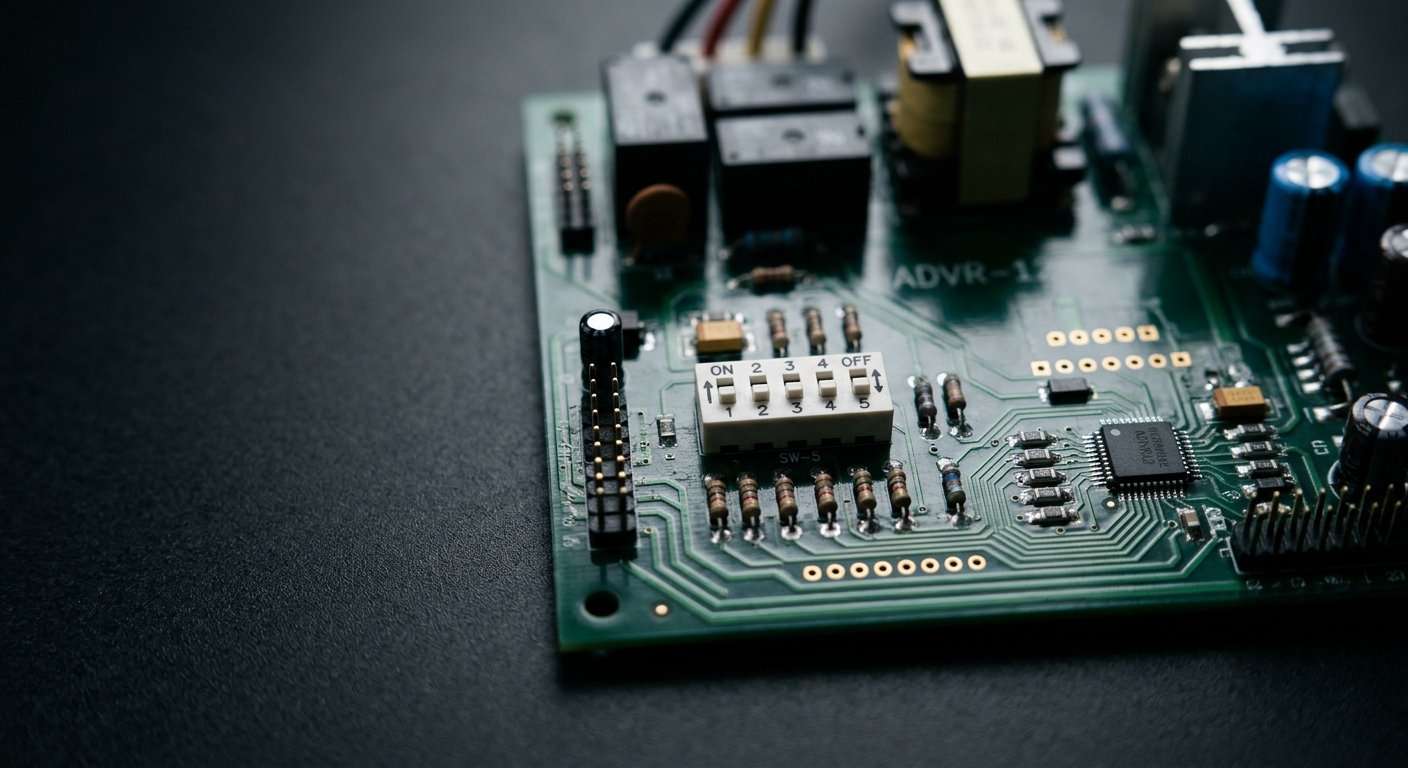



To configure an ADVR-12 automatic voltage regulator, set all five DIP switches — SW1 through SW5 — with the engine completely stopped. SW1 and SW2 define generator size, SW3 controls over-excitation protection, SW4 selects frequency, and SW5 sets the sensing voltage range. A wrong setting on any of these switches before first start can cause under-voltage, over-excitation, or serious generator damage.
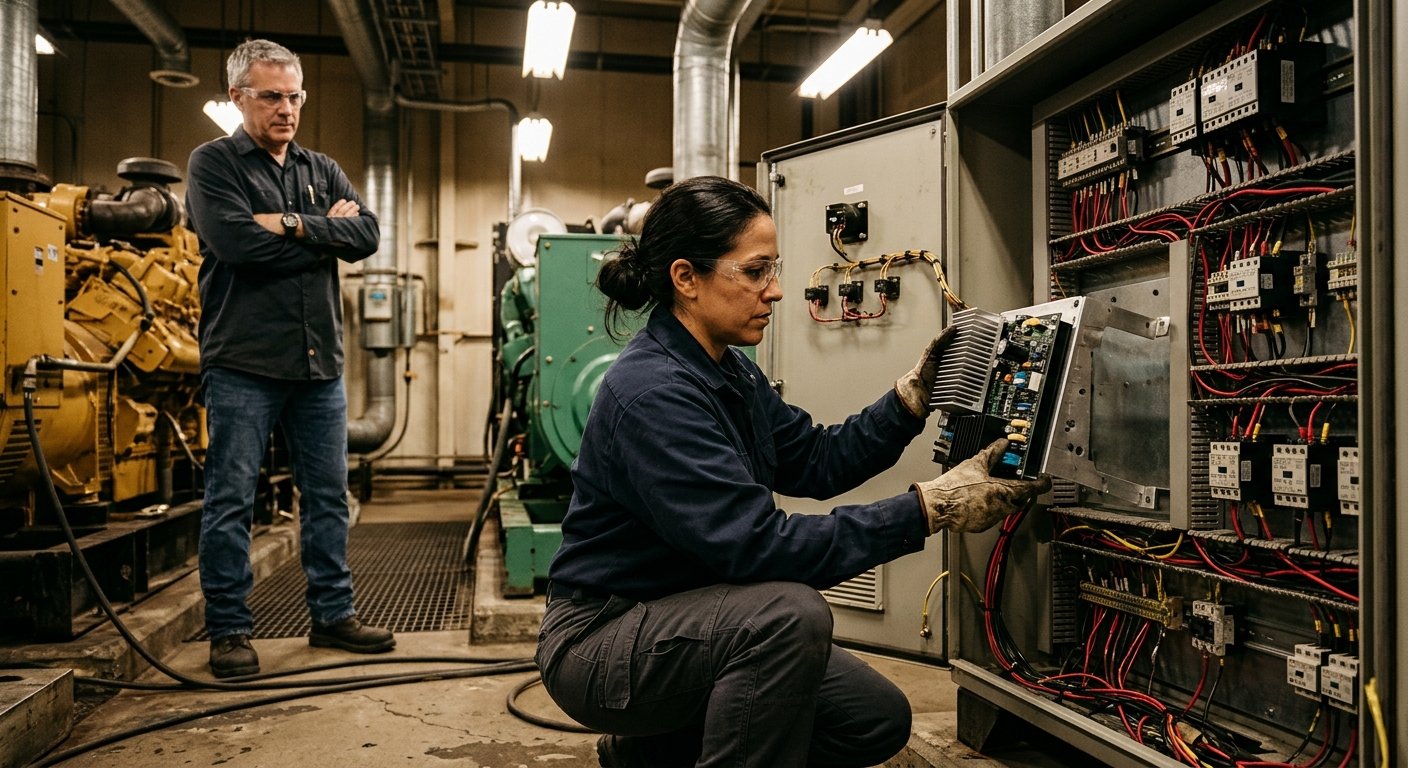
The ADVR-12 is a hybrid analog/digital automatic voltage regulator designed for brushless shunt, PMG, and auxiliary-winding generators. It handles voltage regulation across a wide power band, which is why the size-selection switches exist — the internal compensation parameters need to match the machine they’re managing. For a broader overview of how AVRs fit into generator systems, the MTS voltage regulators product category covers the full range of units we supply.
What makes the ADVR-12 practical for field work is that its key configuration is entirely in the DIP switches. No laptop required, no proprietary software. That said, those switches carry real consequence — set them wrong and you either have a generator that won’t hold voltage or one that damages itself on the first shutdown.

This is not a warning you can skip. Every DIP switch change on the ADVR-12 must be made with the engine not running. Changing switches under power can produce erratic outputs and unpredictable excitation behavior. Pull the nameplate data before you open the AVR: you need the rated kW output, the system frequency (50 or 60 Hz), and the nominal sensing voltage. These three numbers determine positions for SW1 through SW5.
Setting SW4 to the wrong frequency is not a minor misconfiguration. Setting 60 Hz on a 50 Hz generator causes under-voltage at rated speed. Setting 50 Hz on a 60 Hz generator can produce dangerous over-excitation current during shutdown and cause severe internal damage. Verify the nameplate before touching SW4.
If you’re also evaluating how the AVR interacts with the rest of your power distribution equipment, it helps to understand how an AVR differs from a transfer switch before commissioning — both devices are essential but serve entirely different functions in a standby power system.
SW1 and SW2 work together as an AVR generator size switch, selecting the correct internal gain and response characteristics for the generator’s power output. The three bands are straightforward:
| Generator Size | SW1 | SW2 |
|---|---|---|
| Under 90 kW | OFF | OFF |
| 90 kW to 500 kW | ON | OFF |
| Over 500 kW | ON | ON |
After you change either SW1 or SW2, the STAB (stability) adjustment must be recalibrated. This is a mandatory step, not an optional one. STAB governs the AVR’s transient response, and the correct range shifts with the size band. Skip this recalibration and you may see hunting under load — a voltage oscillation that won’t settle. The recalibration procedure is in the ADVR-12 manual; follow it before the first start.
SW3 controls whether the over-excitation (O/E) protection circuit is active. With SW3 in the OFF position, the O/E protection is engaged — that’s the correct default for standalone generator operation. The protection circuit limits excitation current if the AVR drives too hard, preventing field winding damage.
SW3 ON disables that protection. The only documented reason to do this is when the generator is operating in parallel with other sets, following the wiring configuration described in the ADVR-12 manual. In a paralleling setup, the O/E protection circuit can interfere with reactive load sharing between machines, so the manual includes a specific wiring note for this case. Outside of that configuration, leave SW3 OFF. There is no operational benefit to disabling the protection on a standalone unit.
Even when paralleling, verify the full wiring diagram in the manual before moving SW3. The paralleling configuration involves more than just this switch — getting the interconnections wrong can cause circulating currents between sets.
SW4 selects the system frequency the AVR uses as its voltage sensing reference. According to the wiring diagrams in the ADVR-12 manual: SW4 OFF = 60 Hz, SW4 ON = 50 Hz.
The consequences of a wrong setting here are more severe than most technicians expect. If you set SW4 for 60 Hz on a generator that runs at 50 Hz (1,500 RPM on a 4-pole machine, for example), the AVR reads the output as under-frequency and responds by pulling voltage down — the generator runs but delivers under-voltage at every load condition. The inverse is worse: setting SW4 for 50 Hz on a 60 Hz generator causes the AVR to over-excite the field on shutdown as the machine decelerates through 50 Hz. The resulting excitation spike can be severe enough to damage the generator’s field windings or the AVR itself.
The IEEE standards for generator protection — referenced in IEEE C37.102 — illustrate why frequency-related faults are treated as priority events in protection schemes. This switch sets the AVR’s internal reference, so it has to match the machine’s design frequency exactly.
SW5 selects the sensing voltage input range the AVR uses to measure generator output. SW5 OFF corresponds to the 220 V range. SW5 ON selects the higher range — and this is where the ADVR-12 manual has an internal inconsistency: the text in the manual states 440 V, while the wiring diagrams label the same position as 480 V.
This discrepancy matters in practice. A 480 V system fed into a 440 V sensing circuit will read high; the AVR will trim output voltage down to compensate. A 440 V system on a 480 V sensing circuit produces the opposite error. Before finalizing SW5, check the specific revision of your ADVR-12 manual PDF. If the documentation you have doesn’t resolve the question, contact MTS technical support with your unit’s serial number — every Kutai/McPherson unit carries a serial number that links back to its production documentation, and we can confirm the correct sensing range for your specific unit.
| Switch | OFF Position | ON Position | Notes |
|---|---|---|---|
| SW1 | Part of under-90 kW selection | Part of 90–500 kW or over-500 kW selection | Recalibrate STAB after change |
| SW2 | Part of under-90 kW or 90–500 kW selection | Part of over-500 kW selection | Recalibrate STAB after change |
| SW3 | O/E protection active (default) | O/E protection disabled | ON only for paralleling per manual |
| SW4 | 60 Hz | 50 Hz | Wrong setting causes under-voltage or severe damage |
| SW5 | 220 V sensing range | 440 V (text) / 480 V (diagrams) — verify | Confirm against your manual revision |
Confirm the generator is off and not cranking before opening the AVR enclosure or touching any switch.
Confirm rated kW, system frequency, and nominal output voltage before touching SW1 through SW5.
Both OFF for under 90 kW, SW1 ON / SW2 OFF for 90–500 kW, both ON for over 500 kW.
SW3 OFF for standalone operation; SW4 per system frequency; SW5 per sensing voltage range (verify 440 vs 480 V in your manual).
Follow the STAB adjustment procedure in the manual before first start. This step is mandatory, not optional.
The National Electrical Manufacturers Association (NEMA) publishes generator protection guidelines — the NEMA MG-1 standard for rotating machinery provides useful context on why protection circuits like O/E monitoring are built into AVR design. Understanding the intent of these features helps technicians make informed decisions rather than bypassing protections unnecessarily.
MTS Power Products supplies the ADVR-12 and the full range of automatic voltage regulators direct from the manufacturer, with the technical background to help you confirm the right configuration before the unit ships. Every Kutai/McPherson AVR we supply is 100% tested at the factory and carries a serial number for authenticity verification. For warranty coverage terms on these units, see our warranty page.
If the SW5 labeling discrepancy is unresolved for your specific unit, or you’re not certain which size band applies to your generator set, that’s exactly the kind of question our Miami-based team handles before the order is placed — not after the AVR is wired in.
Contact MTS before you ship — we’ll confirm the correct DIP switch positions for your generator’s size, frequency, and sensing voltage.
Stop the engine first — all changes must be made with the generator not running. Then set SW1 and SW2 for your generator’s kW rating, SW3 to OFF for over-excitation protection, SW4 for your system frequency (OFF = 60 Hz, ON = 50 Hz), and SW5 for your sensing voltage range. If you changed SW1 or SW2, recalibrate the STAB adjustment before starting the engine.
SW1 and SW2 work together as the AVR generator size switch, selecting the correct internal parameters for your machine’s power output. Both OFF = under 90 kW; SW1 ON and SW2 OFF = 90 to 500 kW; both ON = over 500 kW. After changing either switch, recalibrate the STAB adjustment before first start.
No, not on a standalone generator. Leave SW3 in the OFF position to keep O/E protection active. The only situation where turning it ON is documented is when paralleling multiple generator sets, and only when following the specific wiring configuration described in the ADVR-12 manual. Disabling it on a single-unit installation removes a protection with no operational benefit.
The consequences are serious. Setting SW4 for 60 Hz on a 50 Hz generator causes the AVR to suppress output voltage, resulting in persistent under-voltage at all loads. Setting SW4 for 50 Hz on a 60 Hz generator is worse: as the machine decelerates through 50 Hz on shutdown, the AVR over-excites the field, potentially causing severe damage to the field windings or the AVR itself. Always verify the nameplate frequency before setting SW4.
Yes. After any change to SW1 or SW2, the STAB (stability) adjustment must be recalibrated following the procedure in the ADVR-12 manual. STAB controls the AVR’s transient response, and its correct operating range shifts with each size band. Skipping this step can cause voltage hunting under load.
MTS Power Products is a Miami-based, manufacturer-direct supplier of generator parts — including AVRs, transfer switches, battery chargers, and governors — serving commercial, marine, and residential backup power needs nationwide. They combine deep technical expertise with personalized service, helping generator technicians, electricians, facility managers, marine operators, and homeowners select the right parts and keep their backup power systems running reliably. Their direct-from-manufacturer model delivers fair pricing and knowledgeable support that big-box distributors cannot match. Visit mtspowerproducts.com →